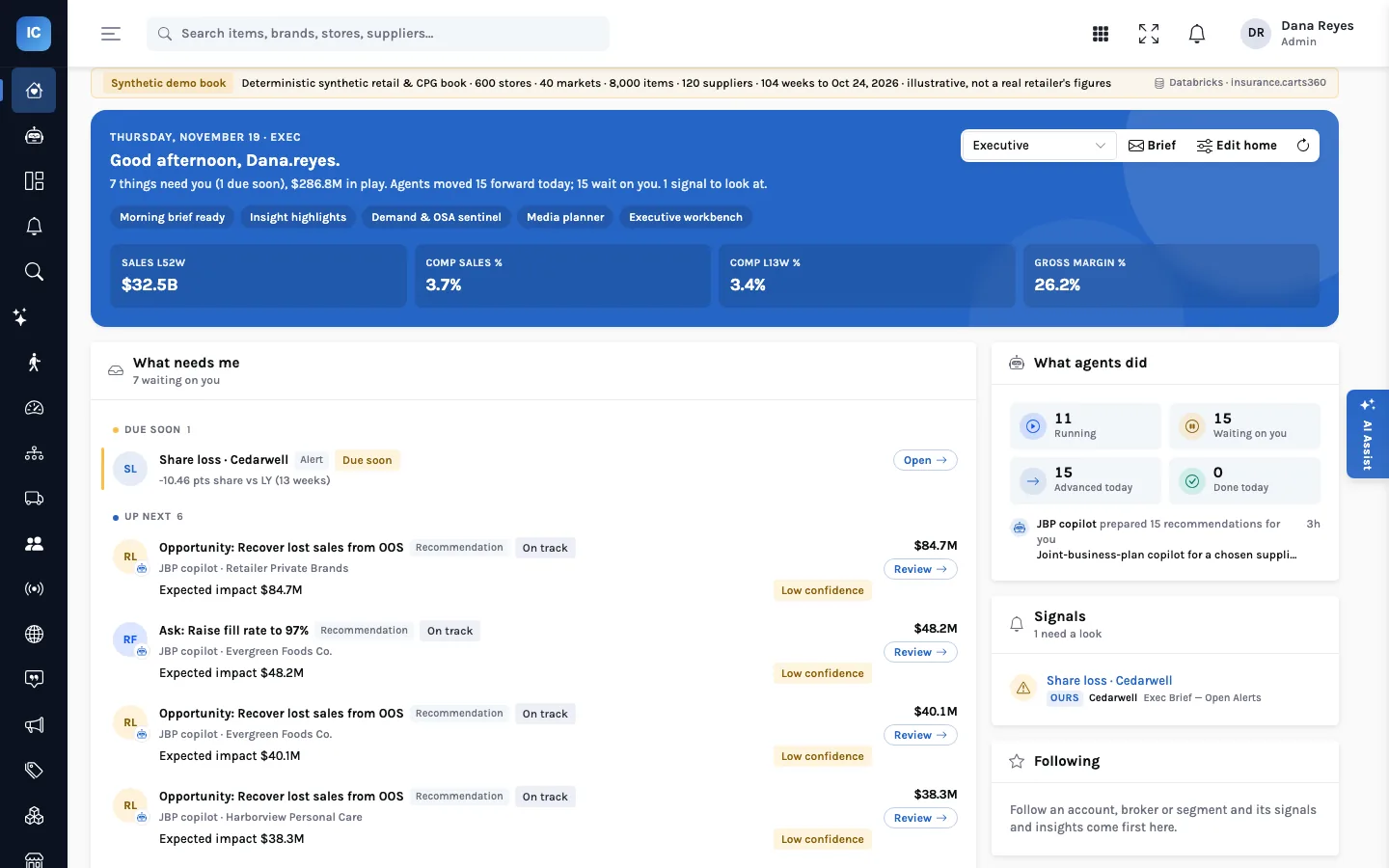
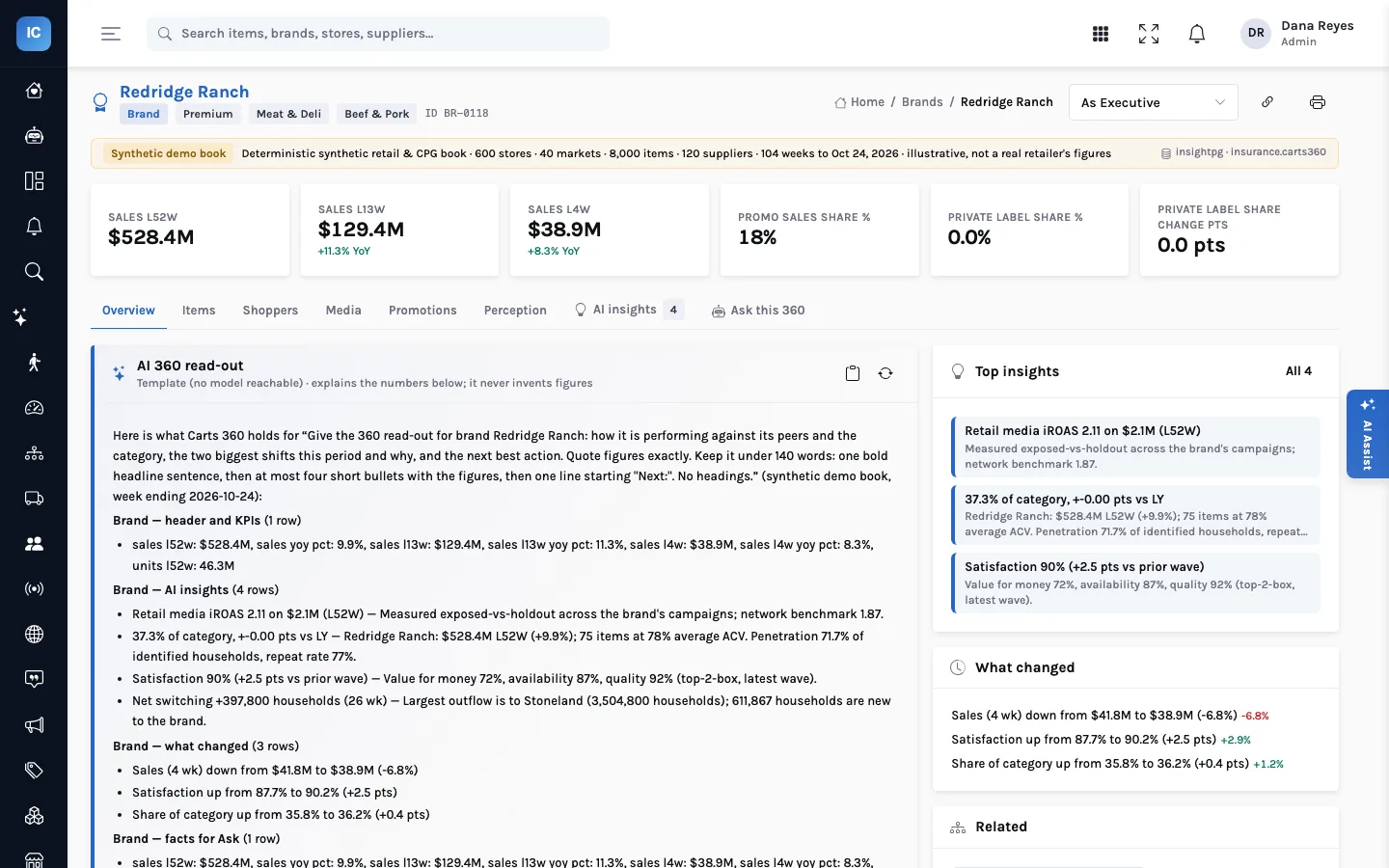
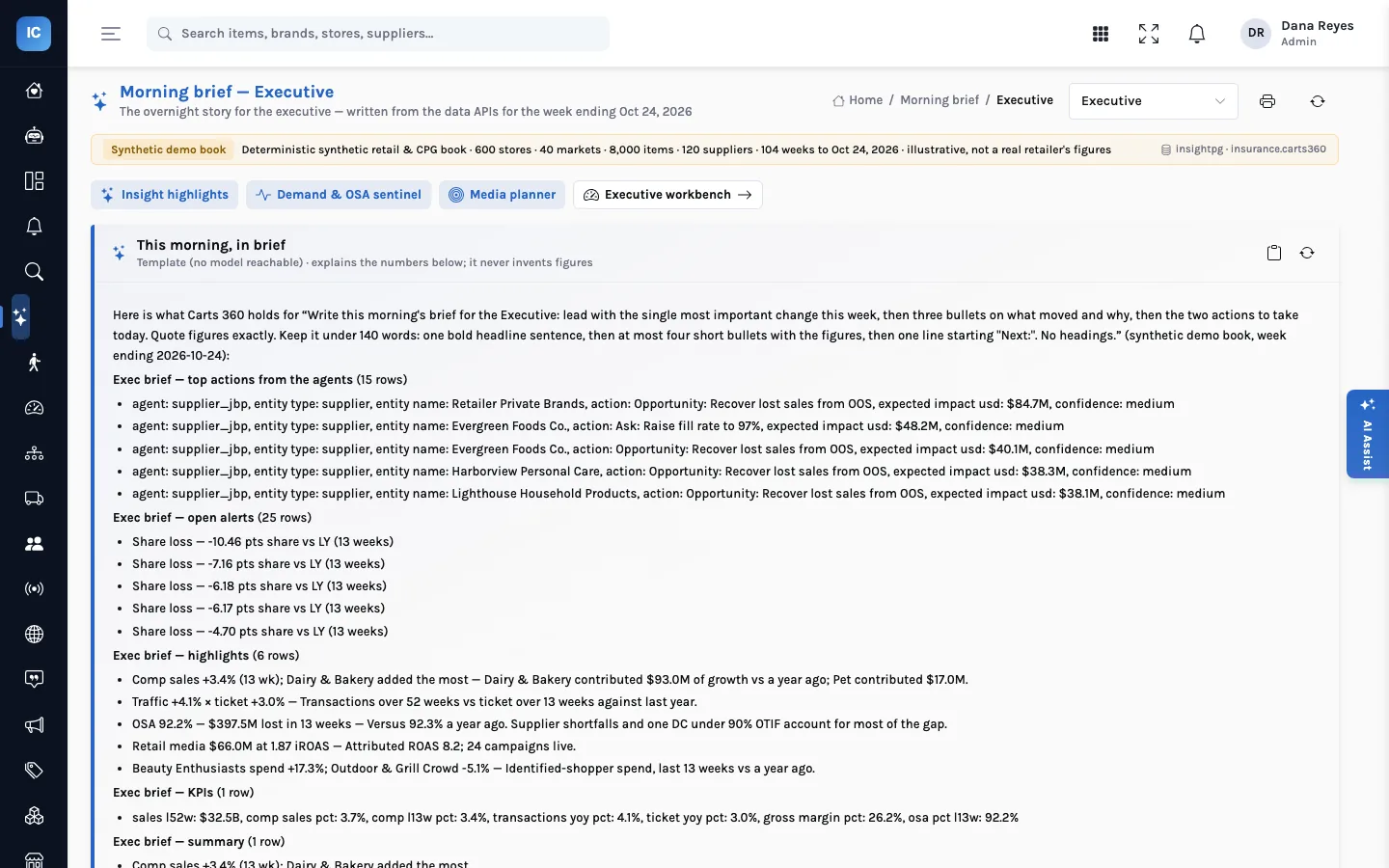
Most analytics products let each screen query the warehouse in its own way. That is quick to build and slow to trust: two pages show two different "sales last 52 weeks", nobody can say which query is behind a chart, and an AI layer on top inherits the confusion. InsightCarts takes the opposite approach. Every number on every page comes from a named, reviewed data API contract, and pages are assembled from those contracts by key.
What a contract is
A contract is a small JSON document: a key, a title and description, an owner, the SQL, the parameters it accepts, the columns it returns with types, labels and units, a freshness statement, a personal-data flag, row limits, a timeout and cache settings. Tags control where it appears. This is one of the contracts behind the retail media workbench, lightly trimmed:
{
  "key": "cr.wb.media.campaigns",
  "title": "Media — live and recent campaigns",
  "owner": "Carts 360",
  "tags": ["order:2", "warm", "kind:table"],
  "sql": "SELECT c.campaign_id, c.campaign_name, b.brand_name, c.tactic, c.status,
          c.spend, c.roas, c.iroas, c.lift_pct, c.p_value, c.new_to_brand_pct
          FROM … agg_campaign_kpi c JOIN … dim_brand b ON b.brand_id = c.brand_id
          WHERE c.status IN ('Live', 'Completed') ORDER BY c.start_date DESC LIMIT 60",
  "params": [],
  "row_scope": {"public": true},
  "freshness": {"cadence": "weekly"},
  "pii": "none",
  "max_rows": 500, "timeout_s": 90, "cache_ttl_s": 3600,
  "columns": [{"name": "campaign_name", "type": "string", "label": "Campaign name"}, …]
}
The tags say it is the second panel on its workbench (order:2), drawn as a table, and pre-run so
the workbench opens fast (warm). The columns carry units, so the page knows that spend is money and
lift_pct a percentage without any page code. The product ships 351 contracts today, all under the prefix
cr..
Pages by naming convention
The page layer finds its contracts by key pattern, so a new panel is a new file rather than a new route:
| Key pattern | What it becomes |
|---|---|
cr.<entity>.list | The list and search page for an entity type |
cr.<entity>.360.<part> | One part of that entity's 360 page; .profile is the header |
cr.<entity>.insights, .what_changed, .alerts | The AI insights, what-changed and alert cards on the 360 |
cr.wb.<workbench>.<part> | A panel on a workbench or an AI agent page |
cr.brief.<persona>.<part> | A section of a persona's morning brief |
cr.search | Global search across entity types |
cr.ai.facts.<entity> | The facts Ask grounds on for that entity (or the portfolio) |
A tab:<name> tag puts a 360 part on a named tab, and order:<n> orders parts and tabs.
That is the whole layout language.
What happens on each request
Binding: which source answers
Contracts come in sets, one per source: a warehouse set (today a Databricks SQL warehouse, a catalog and schema you name) and an optional Postgres set. For each call, the binding decides which set answers: first the organisation's own setting (a single source, or a source per key prefix, longest prefix winning), then an environment default, and otherwise the warehouse when one is configured. If the bound set has no contract with that key, the other set answers and the result is marked as a fallback. This is what lets one tenant read its own warehouse while another runs on Postgres, with identical pages.
Policy: what a caller can and cannot do
Only the parameters a contract declares are passed; anything else is rejected, so a page cannot smuggle a filter into a query. On the Postgres side, the execution policy limits queries to the product's schema and denies identity, role, secret, token, session, connection, API-key and audit tables outright, whatever a contract says. Contracts also carry a row scope; the retail book's contracts are marked as returning the same rows for everyone, which the catalog shows as "Same rows for everyone".
Cache and audit
Answers are cached under a namespace per source and tenant, with the time-to-live each contract sets, so a busy Monday
morning does not run the same query a hundred times. Contracts tagged warm can be pre-run on a schedule. Every
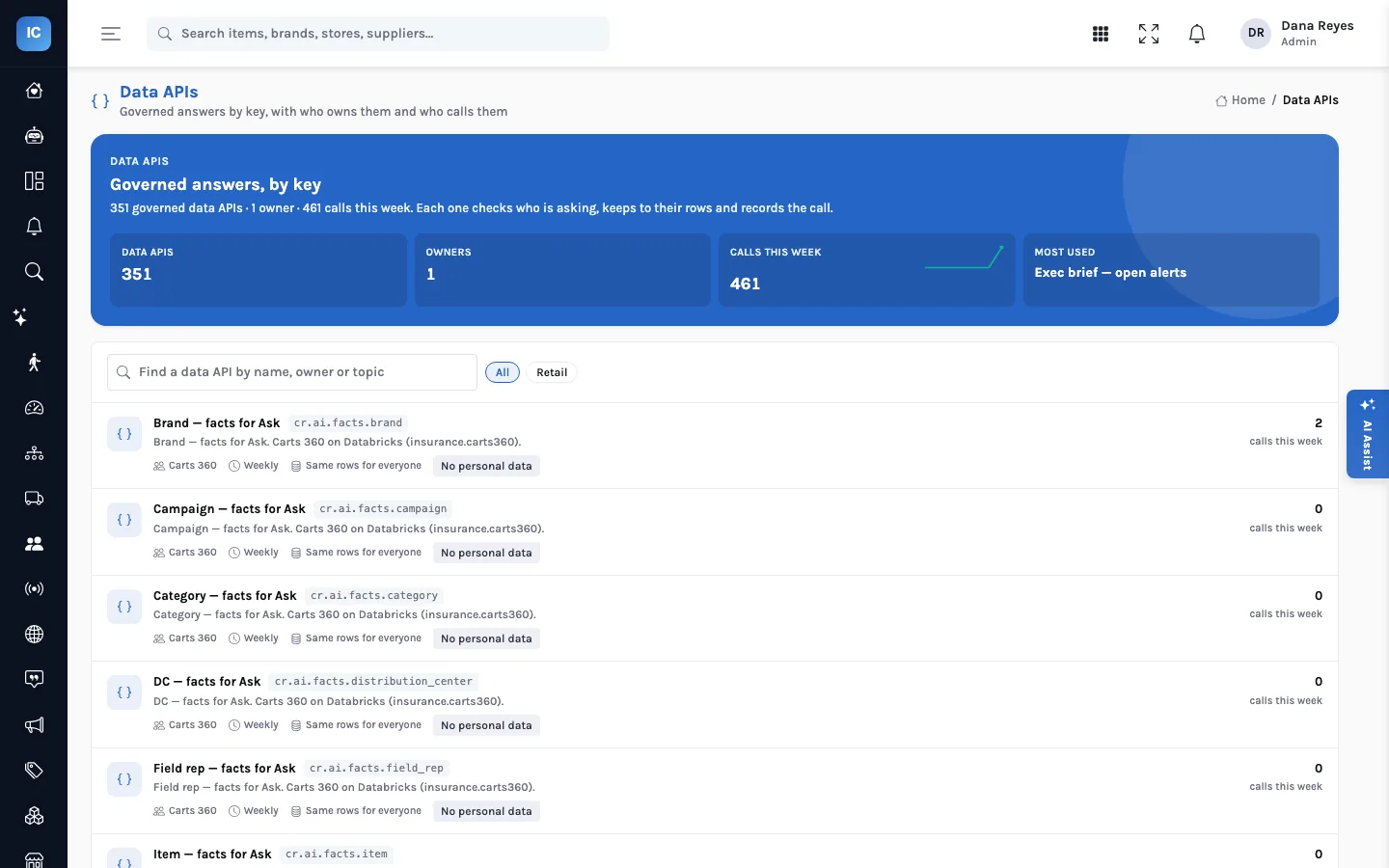
call is written to an audit log with the caller and the key, which is what the Data APIs page counts.
Why this matters for AI
Grounded AI is only as good as what it is grounded on. Because Ask, the briefs and the agent pages read the same contracts as the charts, an answer can say exactly where each figure came from: every answer lists the contract keys it used, and each key opens in this catalog. If a figure on a brief looks wrong, you can open the contract, read its SQL and see whether the data or the question is the problem.
Adding a panel, start to finish
Say the merchandising team wants a panel on the merchant workbench showing how new items perform in their first 13 weeks. The work is a file and a reload, not a release:
- Write the contract. Give it a key in the workbench's namespace, for example
cr.wb.merchant.new_items(an illustrative name: it is not one of the 351 shipped contracts, which in this namespace includecr.wb.merchant.assortmentandcr.wb.merchant.price_gaps), write the SQL against the warehouse schema, declare any parameters, and list the columns with types, labels and units so money and percentages format themselves. - Say where and how it appears. An
order:tag places it among the workbench's panels; a chart hint orkind:tag (bar, line, table, kpis and so on) picks the visual. Without either, a one-row result shows as KPI tiles and anything longer as a table. - State the promises. Owner, freshness cadence, personal-data note and cache time-to-live. Add
warmif the panel is on a page people open first thing. - Validate it. The product's contract script can run each contract against the warehouse and check its columns before it is written out.
- Reload. An administrator reloads the contract files and the panel appears on the workbench, in the catalog, as a candidate for boards and alert rules, and as something Ask can match a question to.
The last step is the one teams tend to underestimate. A contract is not only a chart: as soon as it exists, Ask can cite it and a user can put an alert rule on its columns. Reviewing a contract is reviewing everything that will read it.
Operating the layer
Administrators get a small set of controls, all behind the admin role:
- Cache statistics: hits, misses, shared and stale reads by contract, and the state of the warehouse.
- Clear one contract, one namespace or everything, and bump a source's data version after a load so older cached answers are no longer read.
- Binding: for a tenant, which source each contract is answered from and which sets have it.
- Warm chosen contracts for chosen tenants now, and reload the contract files after an edit.
Pages also have an admin-only way to skip the cache for one request, which is the quickest check when a figure looks stale. And when the warehouse is still starting, callers get a "warming up" response with a retry time instead of an error.
What to ask when you evaluate it
- Which of our measures already exist as governed queries, and who owns them? Those become contracts first.
- Where should each organisation's data be read from, and does any team need a different source per area?
- Which contracts should be pre-run, and what freshness does each one promise?
- Who reviews a new contract before a page or an agent starts using it?